hub hero bg 1

Docker Hub

Discover, distribute, and share your dependencies

Modern software development is built on trust. Docker Hub is the world’s largest container registry, giving your organization governance and curated content it can rely on.
hub hero 1
解決

A single foundation, from containers to AI

One software artifact registry and distribution platform for container images, hardened content, large-language models, MCP servers, and more. Published, versioned, and verifiable in the same place.
hub carlos 1b

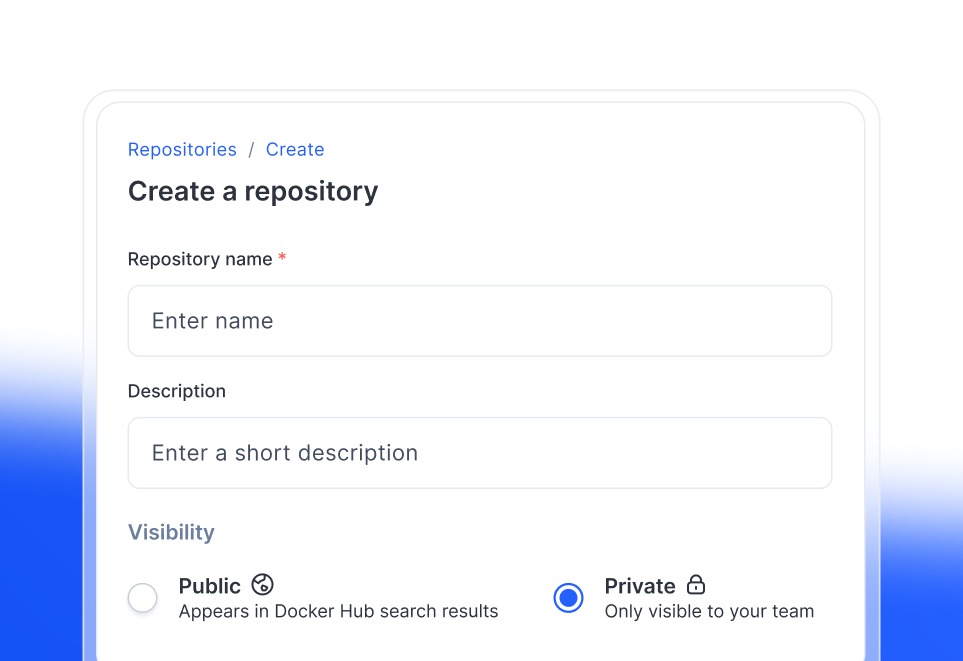
プライベート リポジトリ

Share and collaborate on content privately and securely with your teammates.

hub carlos 2b

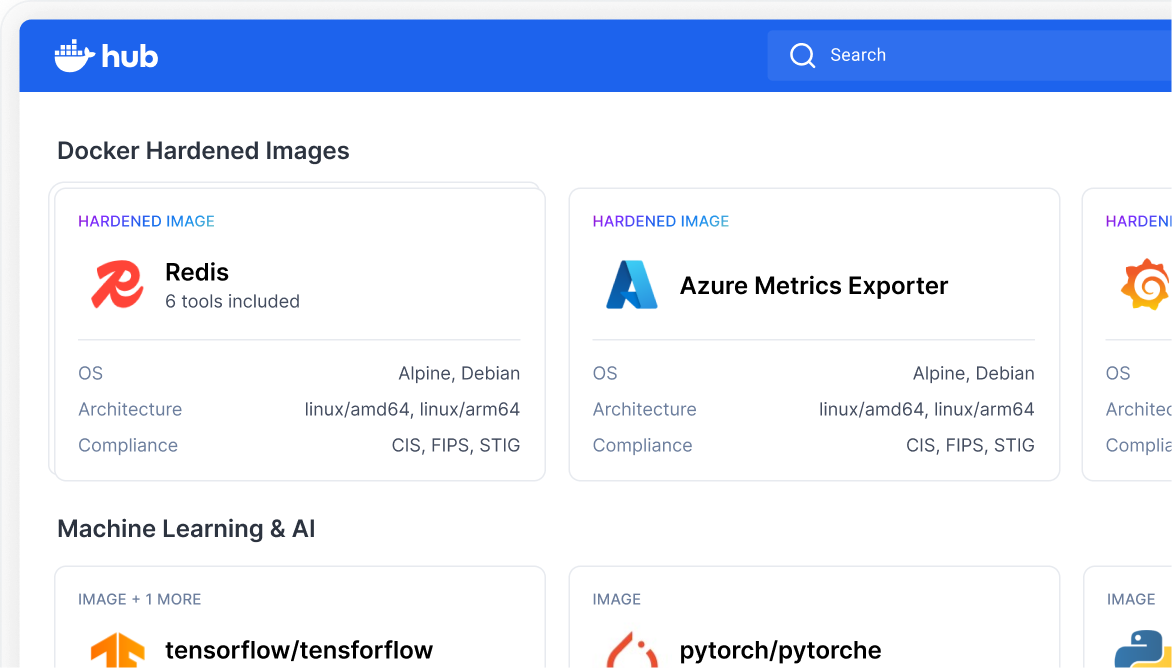
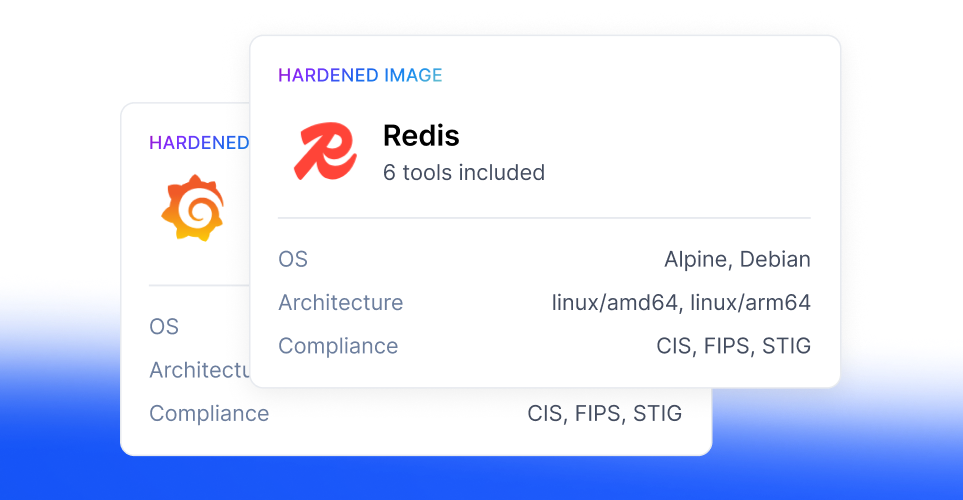
Hardened artifacts

Give your team near-zero CVEs and a provenance trail your security team can trust.

hub carlos 3b

Centralized governance across images, models and MCP servers

Protect and monitor what developers in your organization pull and from which sources.

無制限のパブリック リポジトリ

Discover content from the publishers and open source communities, in the world’s largest public container registry.

Docker 検証済みパブリッシャー プログラム

Earn trust, increase visibility, grow adoption.

Build credibility with verified publisher status and reach developers on the world’s largest container ecosystem.
hub check verified 02

Discover, store, and share your software on Docker Hub

よくある質問

What is Docker Hub?

Docker Hub is the world's largest public software artifact registry and distribution platform, managing, and sharing Docker images. Docker Hub enhances productivity by integrating with your tools and offering pre-built images and assets to speed up development workflows. You can interact with Docker Hub through its graphical interface, API, CLI tool, or MCP server for AI agent integrations.

What is a container registry?

A container registry is a centralized location for storing and sharing container images. It allows you to keep your images in one place, making it easy to distribute them across different machines or share them with others. Within a registry, images are organized into repositories, which are collections of related images (for example, different versions of a project).

Is Docker Hub free?

Docker Hub offers a free plan called Docker Personal. With this plan, you get:

  • 無制限のパブリック リポジトリ
  • 1 private repository
  • 100 image pulls per hour per user (when logged in)
  • 10 image pulls per hour per IP address (for unauthenticated users)

If you need more private repositories, higher pull limits, or advanced features, you can upgrade to a paid plan like Docker Pro, Team, or Business.

Can I use Docker Hub as a private container registry?

Yes, you can use Docker Hub as a private registry. Docker Hub supports private repositories, allowing you to store and manage container images that are only accessible to you or users you specify. This enables secure sharing and distribution of private images.

What is a Docker Verified Publisher?

A Docker Verified Publisher is a commercial publisher on Docker Hub whose images have been verified by Docker for quality and security. The Docker Verified Publisher Program provides high-quality images from these publishers, helping development teams build secure software supply chains and minimize exposure to malicious content.

Verified Publisher images are marked with a special badge on Docker Hub, making it easy to identify trusted content. Publishers in this program benefit from enterprise-grade infrastructure, vulnerability analysis with Docker Scout, enhanced search ranking, custom repository logos, and detailed usage analytics.

You can find more here about how to become a Docker Verified Publisher and available plans.

What can I store in Docker Hub?

You can store a wide range of content in Docker Hub, including:

  • Container images: The primary use case, allowing you to store, manage, and share Docker images for your applications.
  • OCI (Open Container Initiative) artifacts: Docker Hub supports storing software artifacts beyond standard images, such as Helm charts, Software Bill of Materials (SBOM), digital signatures, provenance data, attestations, vulnerability reports, large language models, and MCP servers. This enables you to keep all related assets for your application in one repository.
  • Docker Hub's content library also includes extensions and plugins, making it a central location for discovering and sharing pre-built images and tools to streamline your container workflows.

How does Docker Hub help with security and governance?

Docker Hub helps with security and governance in several ways:

  • Private repositories: You can store sensitive images in private repositories, controlling who has access to them.

Image management and version control: Docker Hub provides tools for tagging, organizing, and managing images and artifacts, ensuring you can track versions and control distribution.

  • Support for OCI artifacts: Beyond standard images, Docker Hub lets you store and manage security-related artifacts like vulnerability reports, SBOMs (Software Bill of Materials), and digital signatures, which are essential for compliance and governance.
  • Integration with Docker Hardened Images: Docker Hardened Images (DHIs) are available through Docker Hub. These images are cryptographically signed, include provenance metadata, and come with a comprehensive SBOM, helping you verify authenticity, track dependencies, and maintain compliance.
  • Webhooks and automation: You can use webhooks to automate workflows, such as triggering security scans or compliance checks when images are pushed or updated.
  • Registry and image access management: Organizations can control who can access Docker Hub and specific images using registry and image access management features.

These capabilities help organizations maintain a secure software supply chain, enforce governance policies, and ensure compliance with industry standards.